
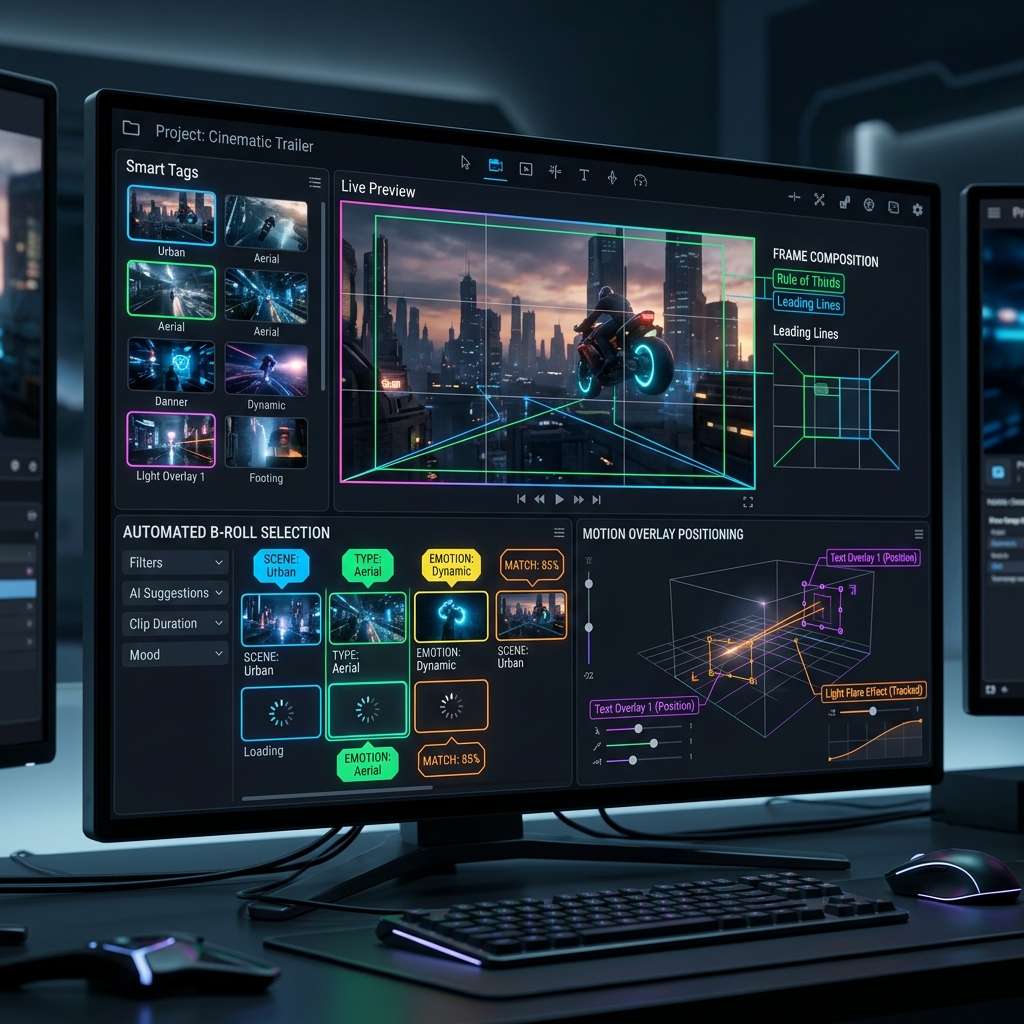
Creating engaging video content requires visual variety. Showing the speaker's face (the "A-Roll") continuously for several minutes causes drop-offs in viewer retention. To keep viewers engaged, professional editors overlay supplementary footage (the "B-Roll"), screenshots, and motion text graphics.
In a standard editing suite, adding B-Roll involves sorting through asset folders, selecting a clip, checking the scale, positioning it on a secondary video track, and adjusting keyframes to match the speaker's sentence.
With **AI-assisted automation**, this workflow is reduced to automatic keyword scanning and coordinate layout templates.
1. Contextual Keyword Scanning and Semantic Matching
AI-assisted editors parse the generated text transcript of your video to find key subjects. For example, if you say, *"We launched our marketing trailer..."*, the AI scans your local asset library for tags like `marketing`, `trailer`, or `launch`.
It then ranks the clips based on resolution, duration, and composition match, and places the best fit onto the timeline track.
2. Managing Frame Composition and Motion Safe Zones
A major challenge of automated overlay placement is preserving composition standards like the **Rule of Thirds** and avoiding overlapping existing elements (like face coordinates or subtitle blocks).
Intelligent editor tools use **object detection bounding boxes** to verify:
- The speaker's face is not covered by the overlay.
- Text captions remain fully visible in the lower-third safe zone.
- Graphic overlays align to margins (safe zones) to prevent cropping on vertical screens.
🎨 Motion Graphics Templates (MOGRTs)
When overlaying text or graphics automatically, utilize pre-configured motion graphics templates. The AI can dynamically inject the active keywords into the text nodes while preserving the original fade-in/fade-out animations.
3. Syncing Overlays to Audio Accents
Good edits are musical. An overlay should appear on the timeline precisely at the start of a spoken syllable or a beat accent.
AI models scan the audio waveform for **transient peaks** (loudness spikes or consonant sounds) to align the cut points perfectly. This results in visual overlays that feel highly intentional and satisfying to watch.