
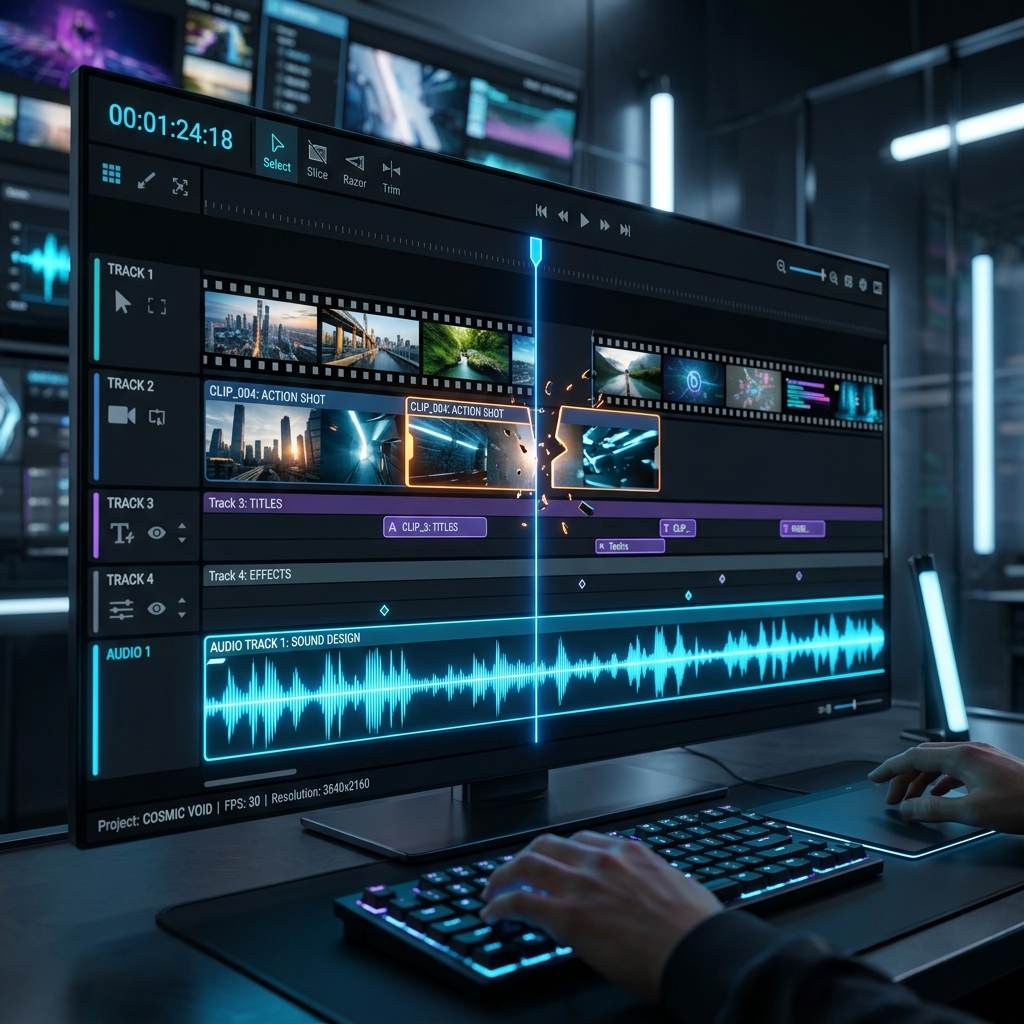
In traditional frame-by-frame video editing, cutting a 10-minute interview down to a clean, punchy 2-minute sequence is one of the most tedious manual tasks. Editors must scrub through waveforms, zoom in on the timeline to locate sub-second silences, slice the clips, delete the empty space, and drag the remaining blocks back together.
This repetitive sequence of actions is where **AI-assisted timeline trimming** shines. By analyzing the raw audio tracks and decoding video frames in real-time, intelligent algorithms can execute hundreds of cuts in milliseconds.
1. The Technology Behind Audio Waveform Analysis
How does an AI editor actually know where to cut? The process begins with decibel-threshold speech detection. The editor reads the video's audio channel and maps the amplitude across the timeline.
When the signal drops below a specific threshold (typically -35dB to -45dB) for longer than a set duration, the algorithm tags the range as "silence". Rather than deleting it blindly, it leaves a configurable padding buffer to preserve a natural speaking cadence.
2. Keyframe-Level Slicing and Timeline Alignment
Once silences are detected, the editor maps these temporal ranges to the video's underlying **keyframes**. Video files contain fully rendered frames (I-frames) and predicted frames (P/B-frames).
AI-driven editors calculate the exact frame indices corresponding to the timestamps, split the track cleanly without introducing decoding latency, and re-arrange the visual blocks into a seamless stream.
💡 Why Frame-Level Precision Matters
Cutting slightly too late or early can cut off the first syllable of a word or leave a single visual frame of silence. Highly accurate AI timeline slicing prevents these glitchy frames, ensuring smooth jump-cuts.
3. Reducing Manual Effort by 80%
By automating silence removal, filler word clipping (removing "um"s and "ah"s), and bad take extraction, creators save up to **80% of their core timeline editing time**.
Instead of performing 200 manual cuts and drags on a 15-minute talking head video, the editor writes one plain language command:
"Cut out all pauses longer than 0.5 seconds and remove filler words."The AI performs the actions instantly, leaving a clean timeline ready for b-roll and color styling.